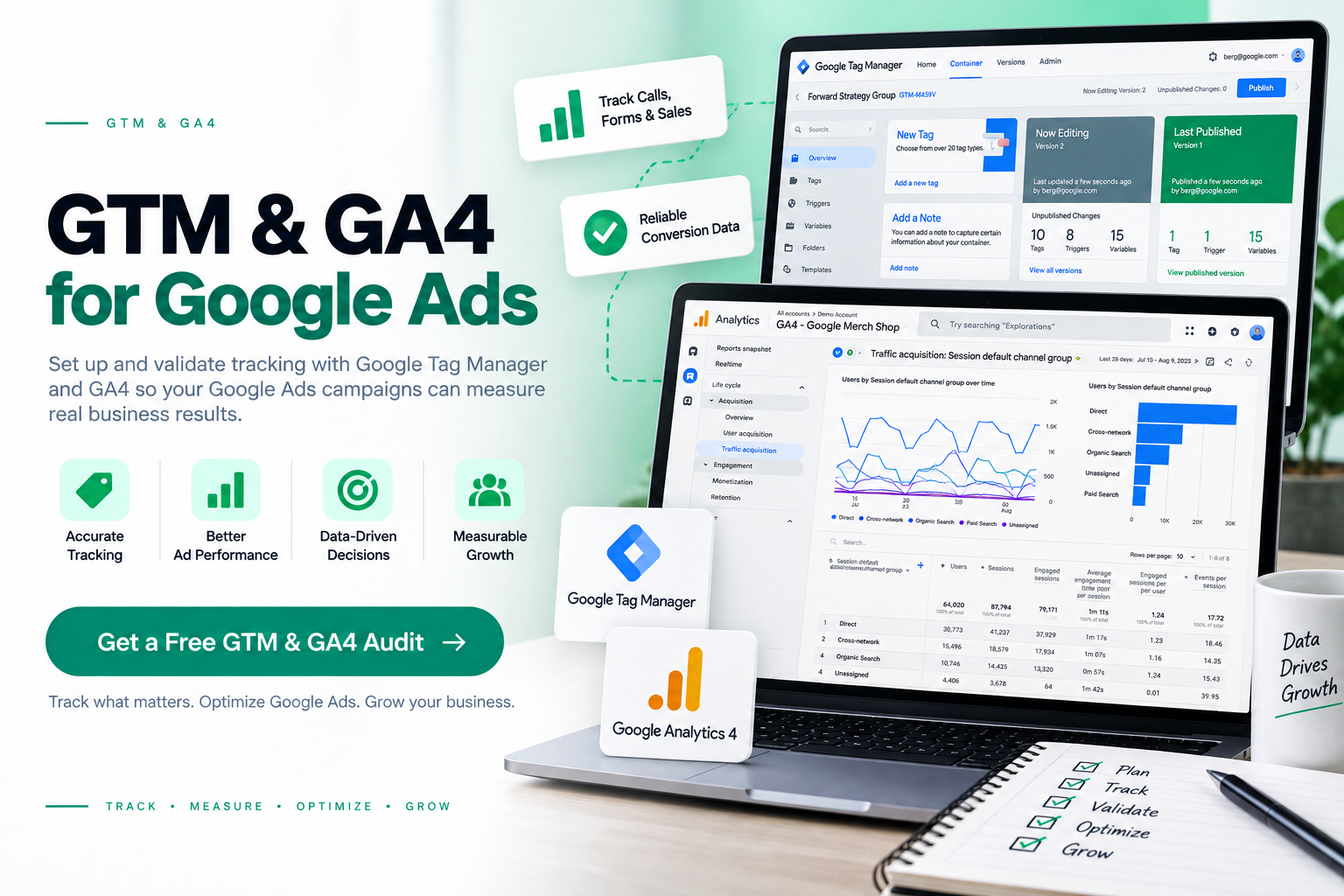
I set up and validate Google Tag Manager and GA4 tracking so your Google Ads campaigns can measure the actions that matter—leads, calls, forms, bookings, and other conversion events.
Set up GTM to manage Google Ads, GA4, and website tracking tags in one place without adding unnecessary code changes to every page.
GA4 Configuration
Track important actions such as form submissions, phone calls, bookings, and other lead actions so Google Ads can measure conversions correctly.
Google Tag Manager Setup
Track important actions such as form submissions, phone calls, bookings, and other lead actions so Google Ads can measure conversions correctly.
Event & Conversion Setup
Create the right events and conversion actions instead of treating every website interaction as a conversion.
Tracking Validation
Test tags, triggers, events, and conversion data to identify tracking errors before they affect Google Ads reporting and optimization.
Build Reliable Measurement Before Optimizing Google Ads
Google Ads optimization depends on the conversion data inside the account. I build the tracking layer first, then check whether the data being reported matches the actions your business actually cares about.
Track Real Lead Actions
Measure the actions that matter to your business instead of optimizing Google Ads around clicks alone.
Reliable Conversion Data
Check whether Google Ads is receiving the correct conversion signals from your website and tracking setup.
Clearer Attribution
Connect website events with Google Ads conversion actions so you can understand which campaigns generate measurable actions.
Better Optimization Decisions
Give Google Ads cleaner conversion data to support campaign optimization, bidding decisions, and budget allocation.
A Tracking Process Built Around Google Ads
A reliable setup starts with understanding what should be tracked, implementing the measurement correctly, testing the data, and checking how Google Ads uses those conversion signals.
01
Audit
Review your existing GTM, GA4, Google Ads conversion actions, tags, triggers, and tracking configuration.
02
Configure
Set up the required tags, events, triggers, parameters, and Google Ads conversion actions based on your actual lead journey.
03
Validate
Test the tracking from the website through GA4 and Google Ads to identify missing, duplicate, or incorrectly recorded conversions.
03
Optimize
Use validated conversion data to improve Google Ads campaign decisions, reporting, and ongoing optimization.
Yes. I can configure the required GTM tags and triggers and connect the relevant conversion actions with Google Ads. The setup depends on what you want to measure, such as form submissions, phone calls, bookings, or other lead actions.
GA4 is not a requirement for every Google Ads account, but it can be useful for understanding website events and user behaviour alongside your Google Ads data. The important part is having accurate conversion tracking for the actions your campaigns are designed to generate.
I test the tracking setup from the website through GTM and GA4, then check how the relevant conversion actions are configured in Google Ads. This helps identify missing tags, incorrect triggers, duplicate conversions, and other tracking issues.
Yes. If you already have GTM, GA4, or Google Ads conversion tracking installed, I can review the existing setup first. Where the current configuration is usable, I focus on fixing and validating what is already there instead of rebuilding everything unnecessarily.